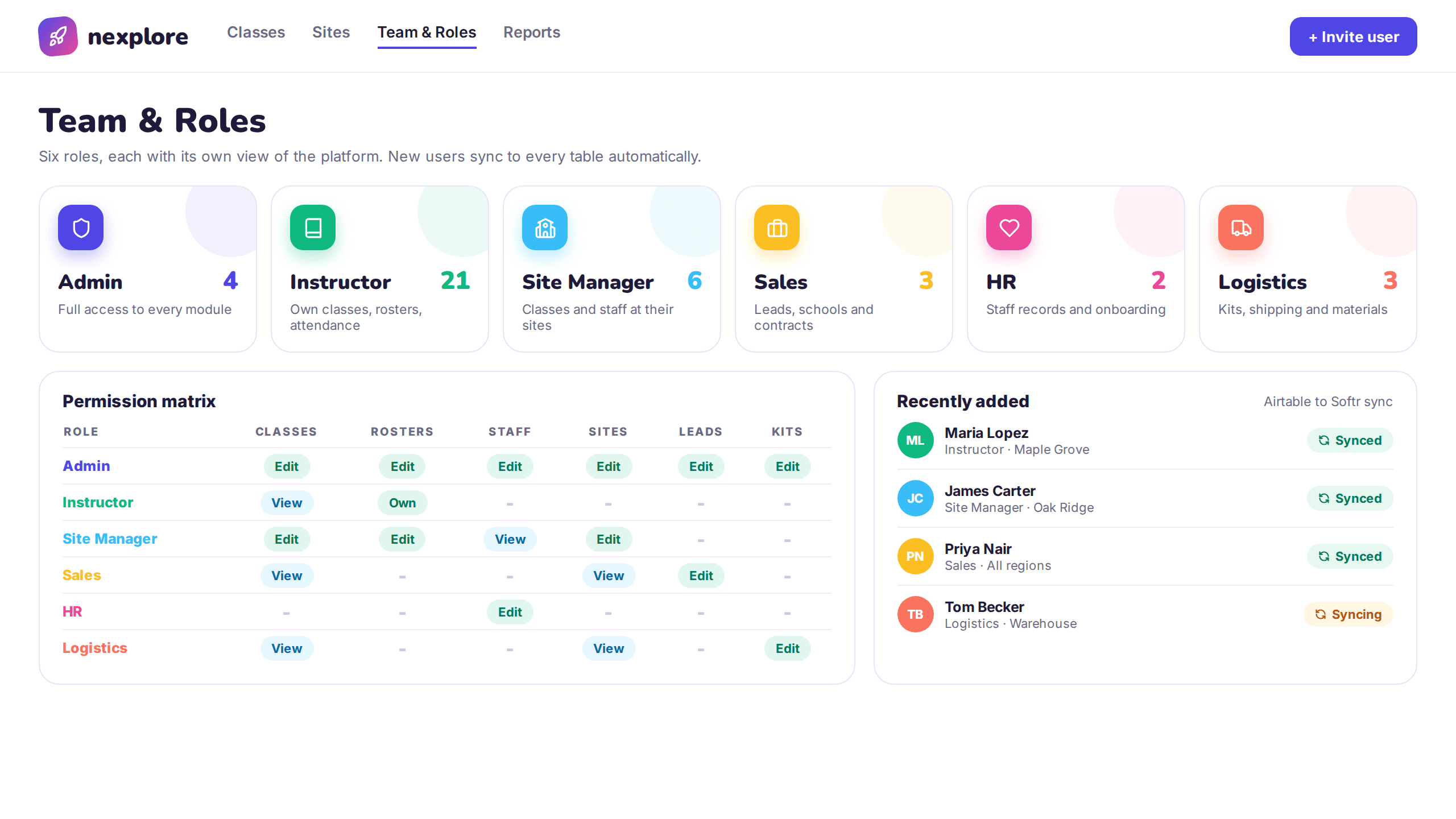
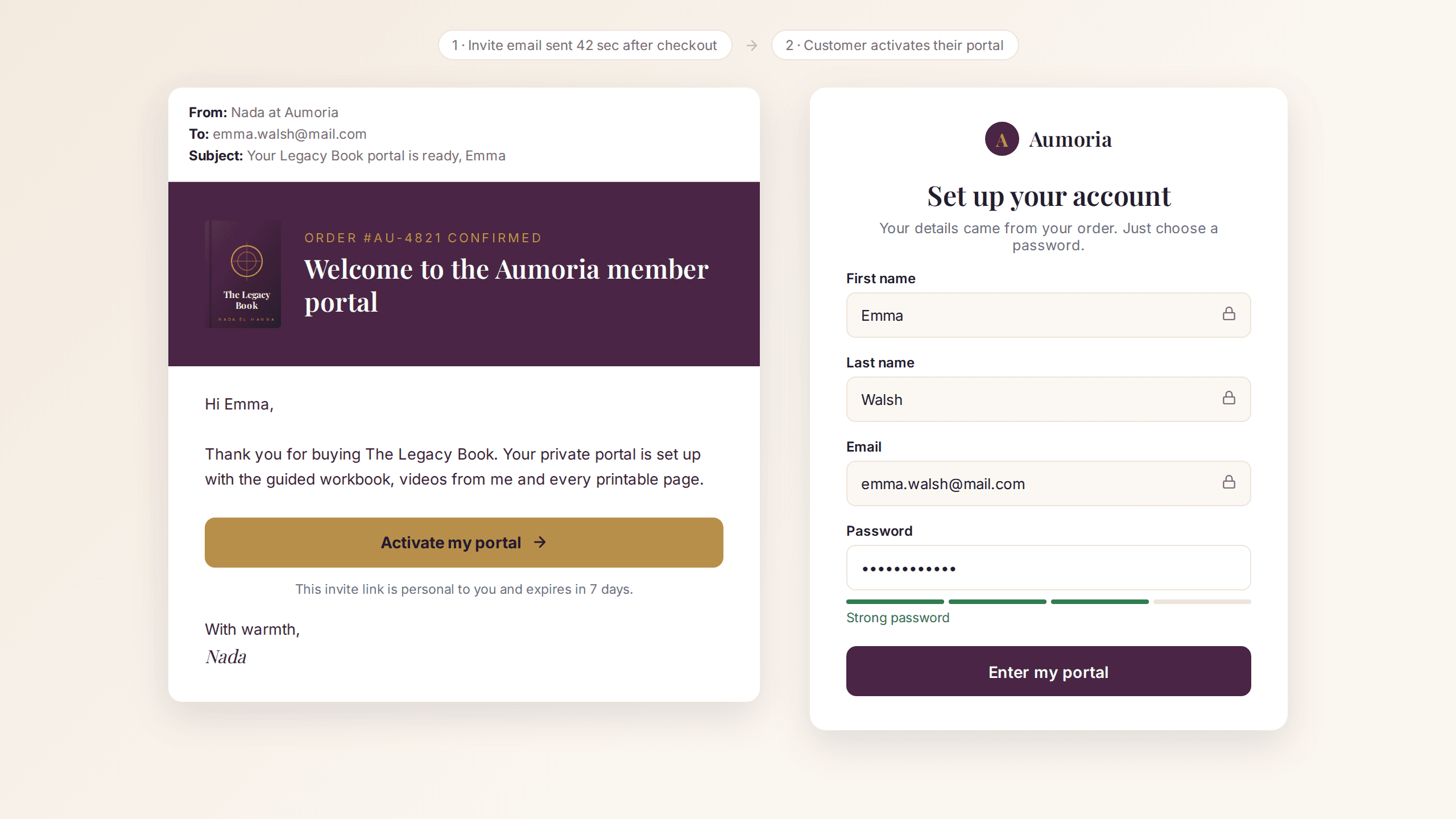
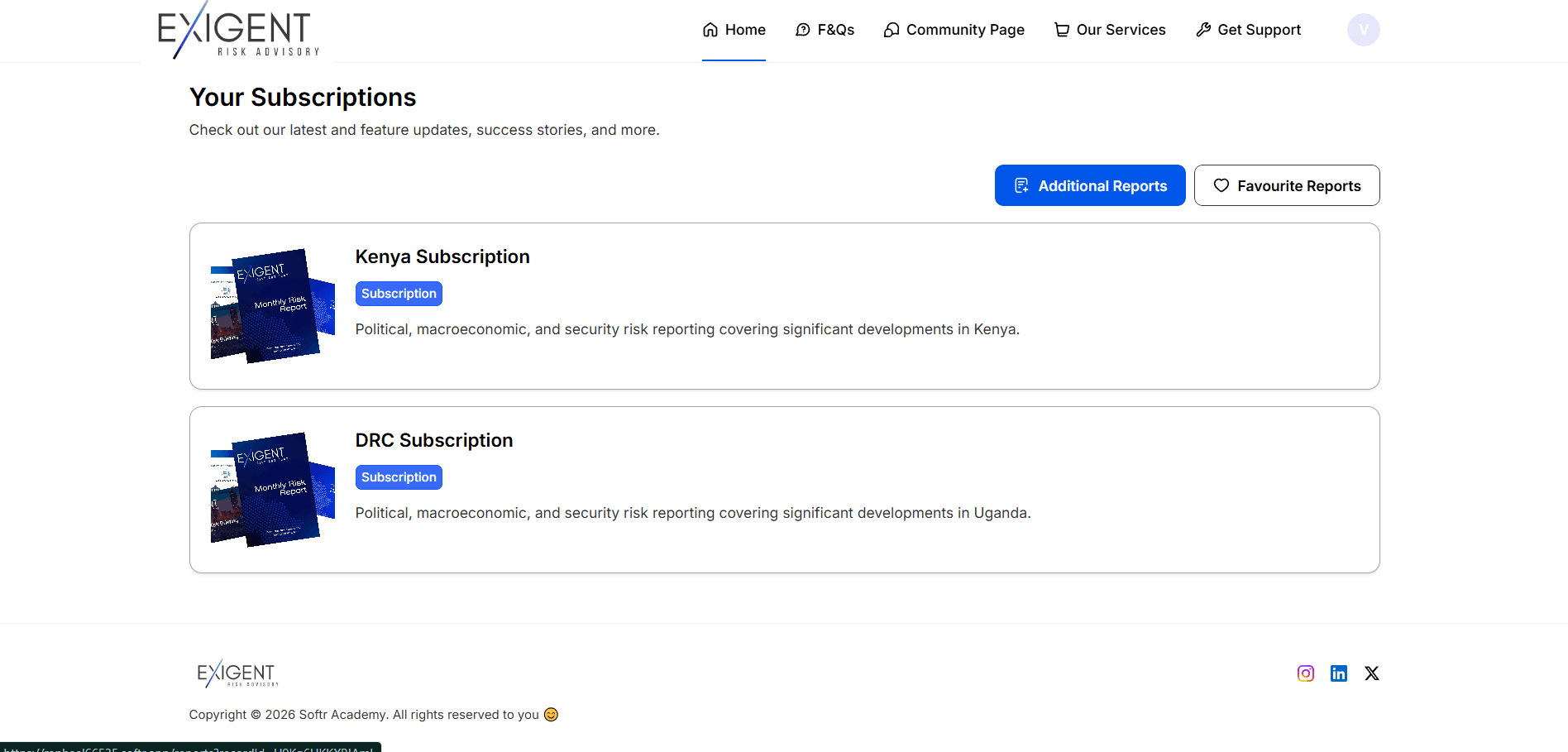
Softr Client Portal Bug Fixes for Aumoria
Resolved critical functionality issues in a Softr client portal, restoring forms, data sync, login, and user-specific content visibility.
The problem
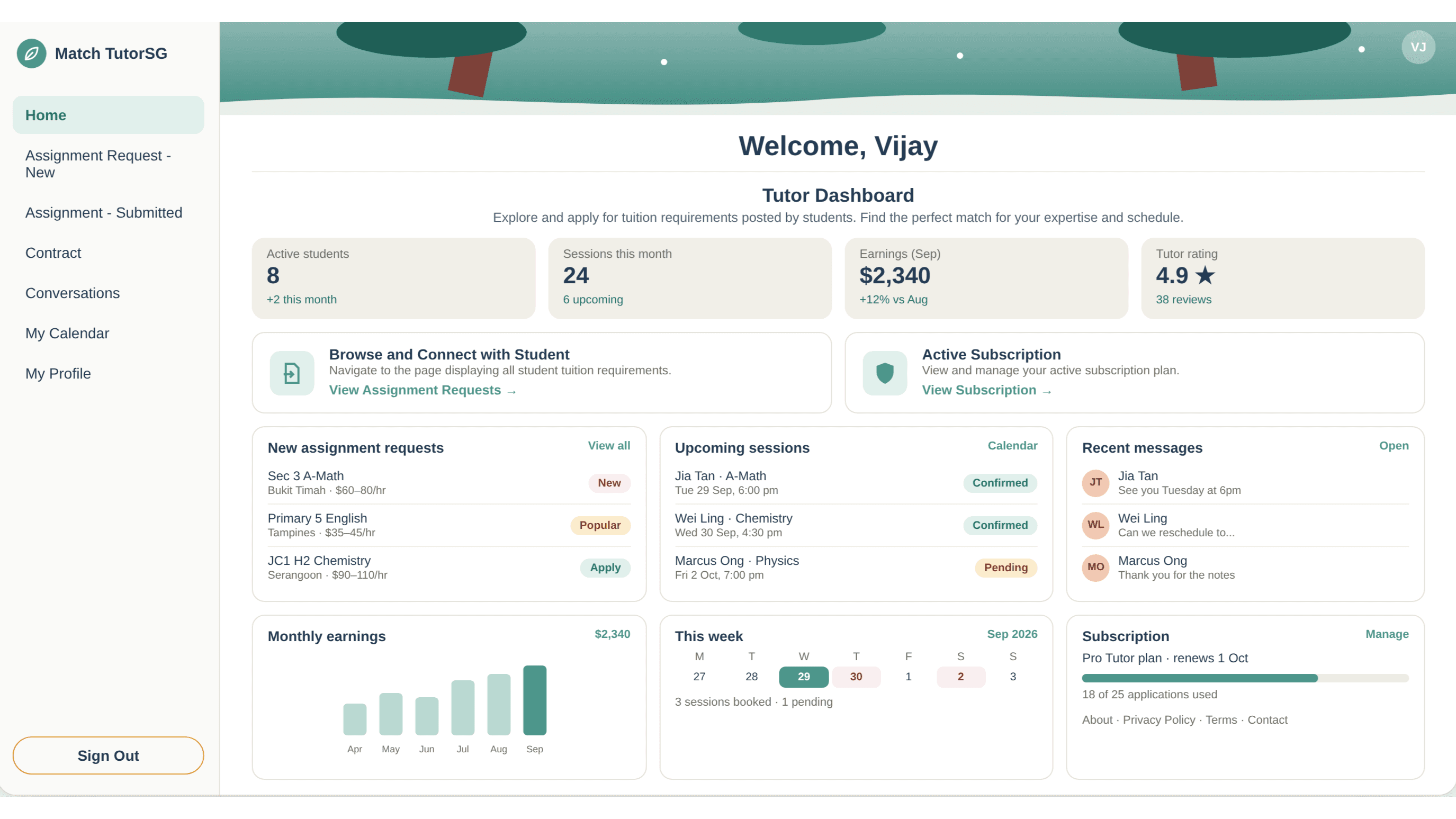
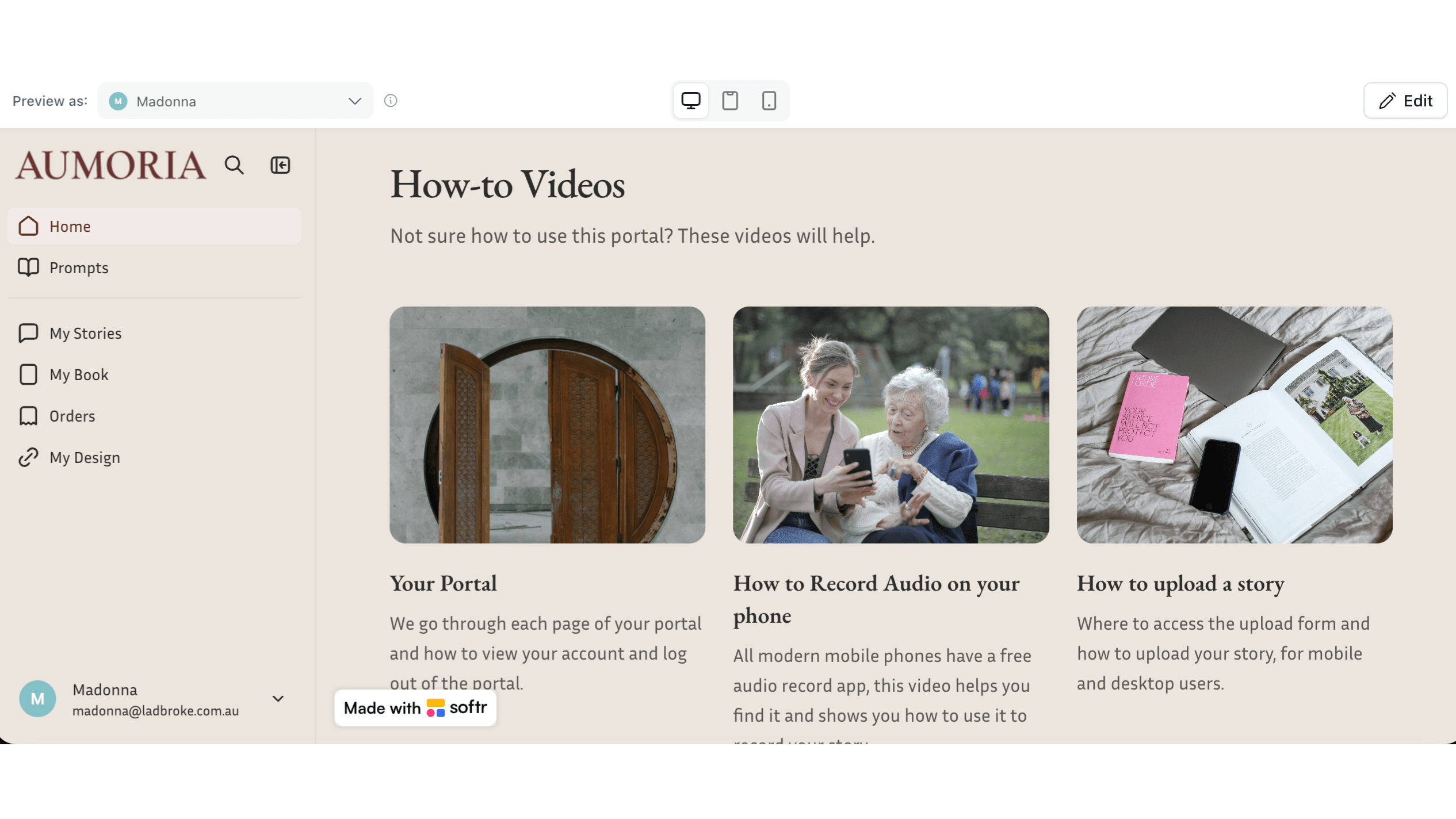
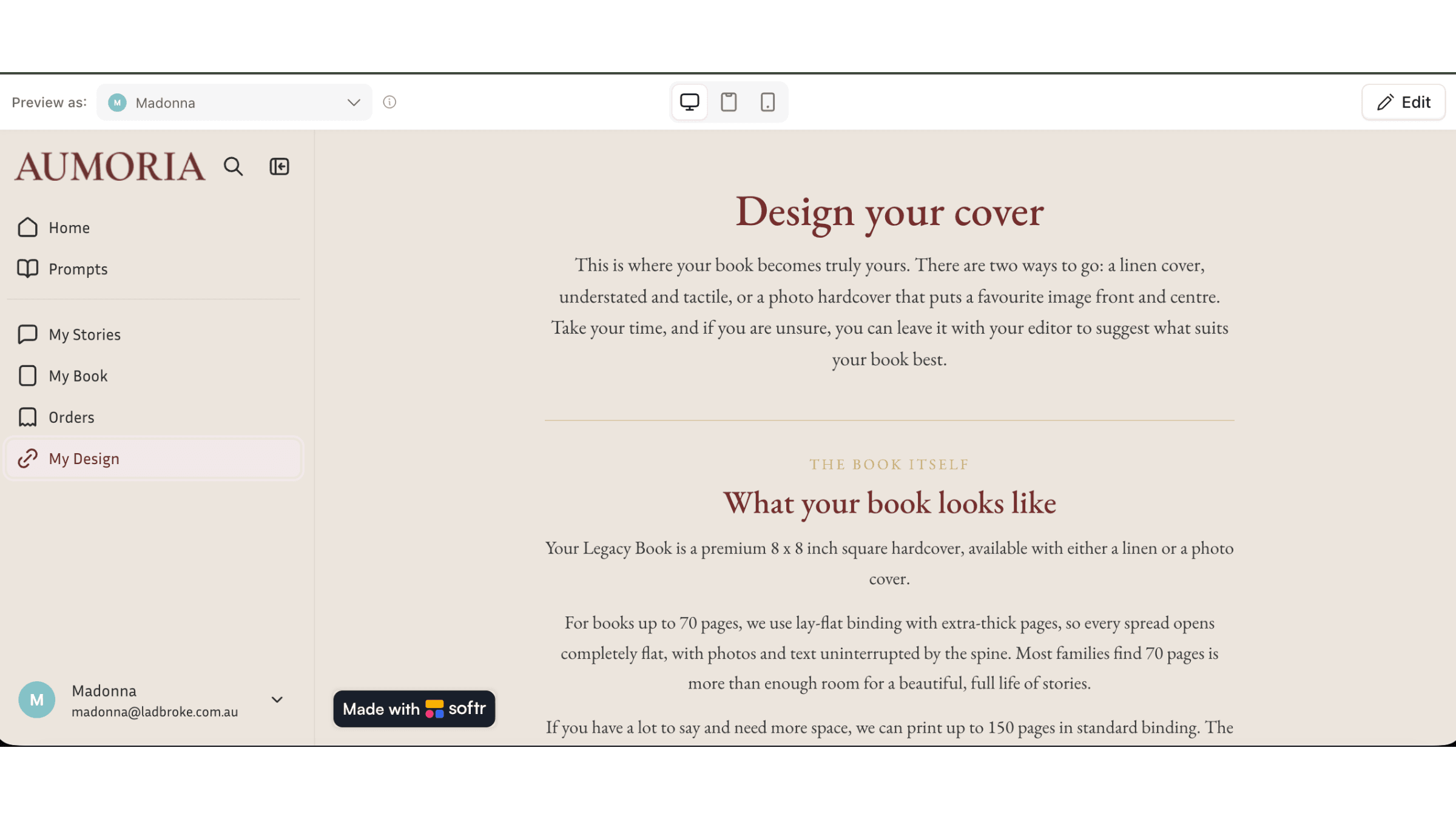
Nada El Hanna required urgent troubleshooting and resolution of critical issues within her Softr-based client portal connected to Airtable. The platform, used for managing user-submitted stories and file uploads, had multiple broken functionalities affecting user experience and data visibility. The objective was to quickly diagnose and fix core system issues while preserving the existing structure. All problems were resolved efficiently, restoring full functionality and improving system reliability.
What we built
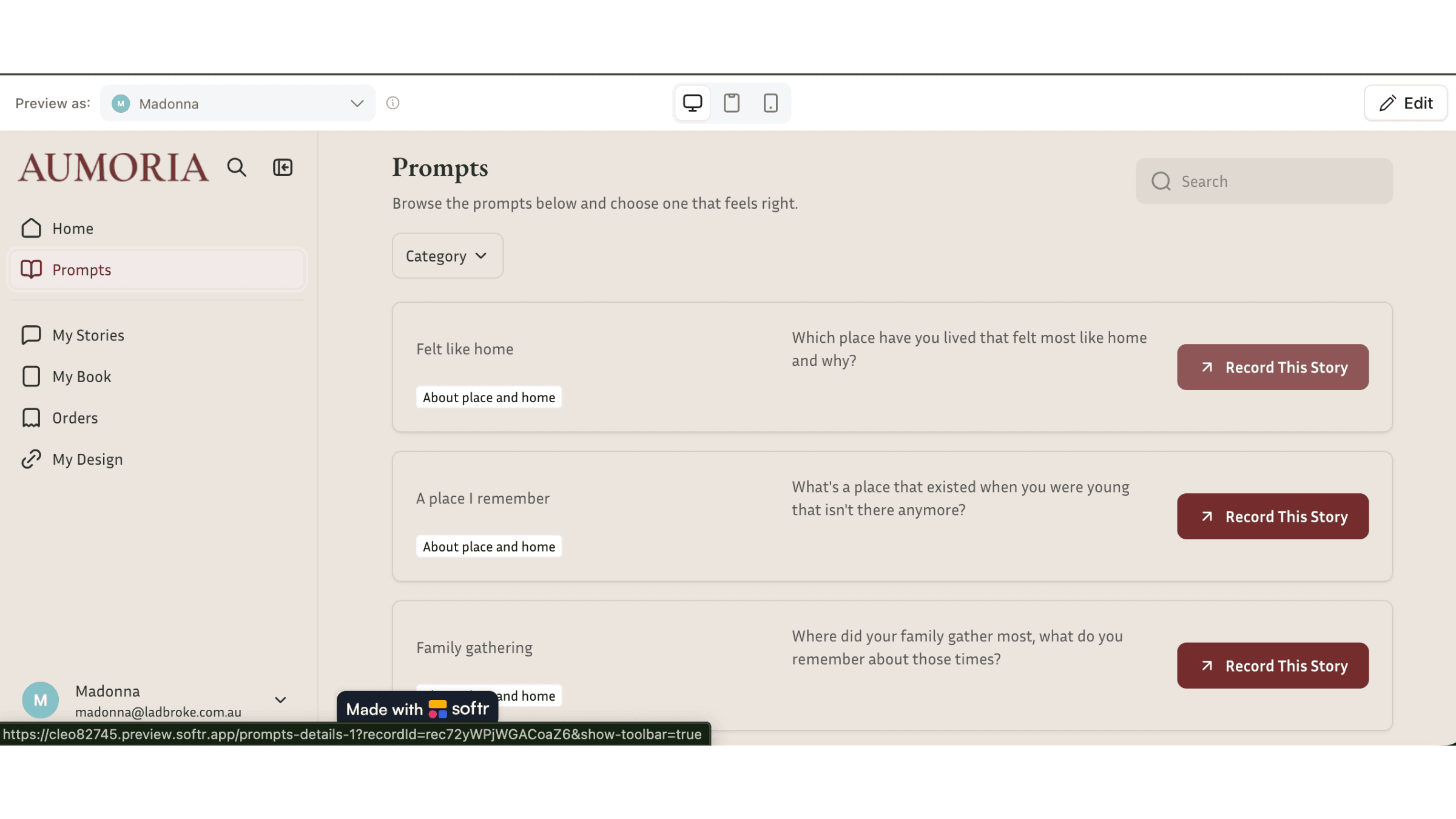
This project focused on diagnosing and resolving four critical issues within a Softr client portal integrated with Airtable. The story submission form was failing with a generic error and was restored to ensure proper data capture and Airtable syncing. Data tables in Softr were not refreshing despite correct Airtable data, which required fixing the integration layer and ensuring proper data synchronization. The magic link authentication system, although enabled in the plan, was not functioning and was correctly configured to allow seamless user login. Additionally, user-specific data filtering was broken, preventing users from viewing their uploaded files; this was resolved by correcting visibility rules and filtering logic.
- Story submission form restored, capturing data and syncing to Airtable again.
- Softr data tables refreshing correctly against Airtable.
- Magic link authentication configured and working.
- User-specific data filtering repaired so people see their own uploads.
- Visibility rules and filtering logic corrected.
- Integration layer between Softr and Airtable fixed.
How we built it
Four separate faults, diagnosed rather than rebuilt around: a submission form failing with a generic error, tables not refreshing despite correct Airtable data, magic link authentication enabled but not functioning, and filtering that showed users none of their own files.
Each traced to a different layer, form configuration, the Softr and Airtable integration, authentication setup, and visibility rules. The portal was kept intact throughout. Nothing was migrated or replaced.
What changed after launch
Topics
- Education & Tutoring
- Airtable
- Softr
- CustomJS
- Mailchimp
- SendGrid
This was a client portal development build. See what a build like this costs, or hire a Softr developer to do the same for you.
Want something like this?
Tell us what you're building. First conversation is on us. Fixed quote in 24 hours, mutual NDA signed on request.