.png&w=1920&q=75)
Jotform forms that create the right records on their own
We design Jotform forms with the conditional logic your intake needs, and connect each submission to Airtable, your portal and your team's tools, so nobody re-keys what a client already typed. Jotform intake runs in The Best Notary's portals, and we have also moved a team off Jotform into one portal when its forms had become the bottleneck.












Portals fed by one intake at The Best Notary
Tools, Jotform included, replaced by one portal at 310TUTORS
Staff roles at 310TUTORS, each scoped to their campus
Fixed quote after the first call
 Appointments
- Client
- Grace Lin
- Service
- Mobile notary
- Address
- 1420 Lake Ave, Unit 3
- Notary
- Marcus Lee
- Status
- Awaiting confirmation
 Created by Make from the submission
What is Jotform development?
Jotform development means building online forms in Jotform, with conditional logic, calculations, payments or appointment booking, and connecting the submissions to your other systems. Instead of a form that lands in an inbox, each submission creates or updates the right record and starts the next step.
Who this is for
If any of these sound like your week, you're in the right place.
Teams whose form submissions land in an inbox and get copied into a database by hand.
Businesses with long intake forms that need branching logic to stay short.
Appointment-based services booking clients through a form.
Teams whose submissions can't be searched or reported on by the people who filled them in.
What we typically build
Forms that create records
Make.com automations creating Airtable records from Jotform submissions, so intake files itself, as on The Best Notary's portal for notaries, employees and clients.
Conditional intake
Jotform designs with advanced conditional logic, so a complex intake asks only what applies and stays short, as on The Best Notary.
Submissions routed by role
Notaries, employees and clients each seeing only their own linked records in their own portal, fed by the same intake.
When forms should become a portal
Session reports captured in Jotform that the instructors who filled them in couldn't query, replaced by one portal with six linked tables for 310TUTORS.
Copying form submissions into your database by hand?
Show us the form and where its answers should go on a free 30-minute call, and get a fixed quote within 24 hours.
What Jotform connects to in our builds.
Where a submission goes next: the record it creates, the portal that shows it and the team that acts on it.
AirtableRECORDS MakeAUTOMATION
 SoftrPORTALS
 ClickUpTASKS
 MailchimpEMAIL
 OpenAIAI
 ClaudeAI
 Google SheetsDATA
How it works
- PHASE ONE01
Map the intake
A short call on what you collect, from whom, and where it should end up. Fixed quote within 24 hours.
- PHASE TWO02
Design the form logic
Questions, branching and the records each answer creates, agreed with you before building.
- PHASE THREE03
Build and test
Forms and connections tested with sample submissions on every branch, then switched on.
- PHASE FOUR04
Hand over
Forms and connections documented and walked through with your team.
Builds we've shipped
Real projects that used this, each linked to its full case study.

The Best Notary: Portal for Notary & Employee Management
Built a multi-role portal for The Best Notary using Softr and Airtable. Enabled dynamic views for notaries, employees, and clients. Integrated Make.com and JotForm to automate form-driven workflows and manage complex user relationships.
Notaries, employees and clients each in their own portal, with JotForm intake creating Airtable records through Make.com.
 SoftrAirtableMakeClickUp
 CustomJS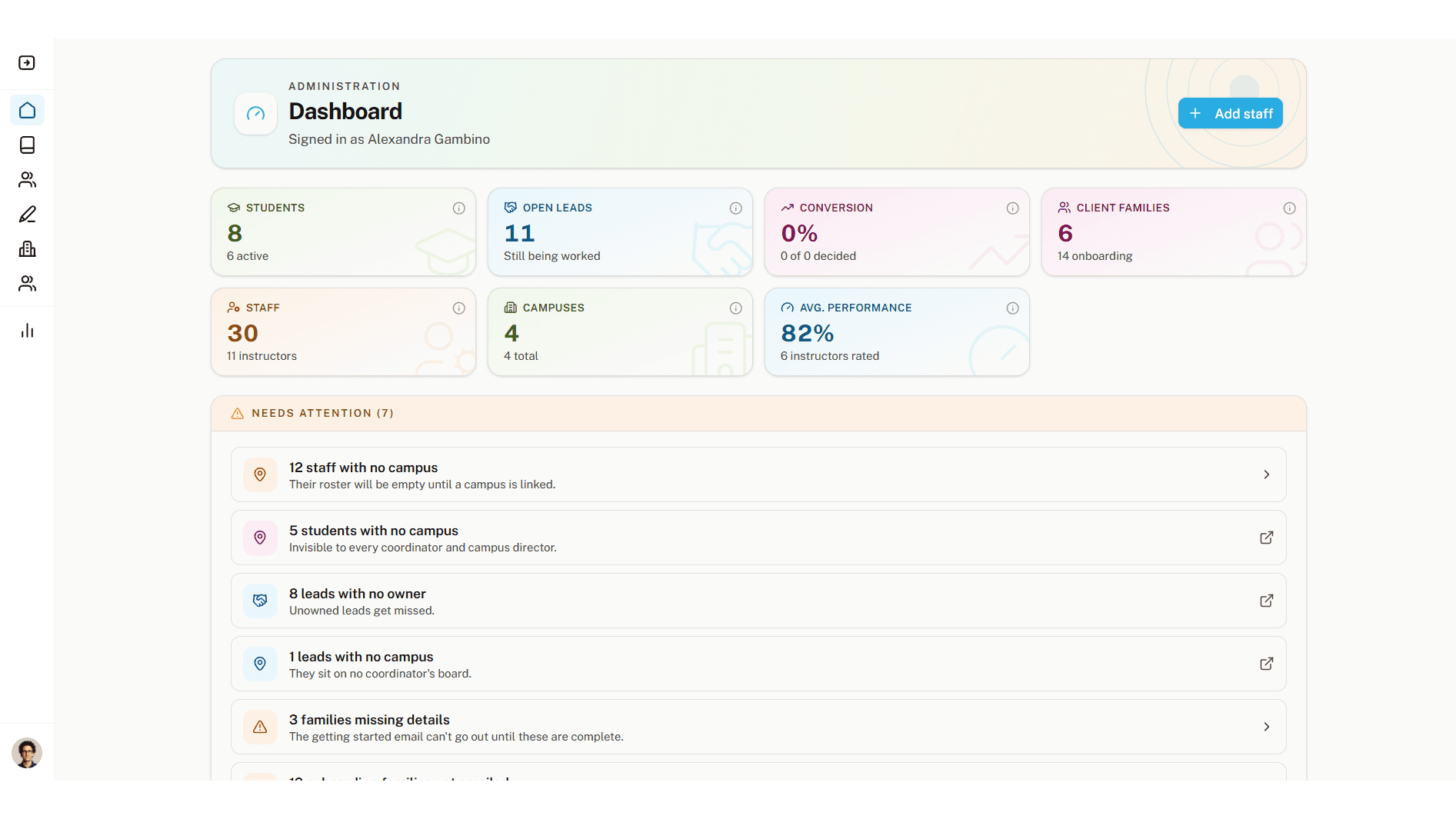
310TUTORS Multi-Campus Staff Operations Portal
A role-based internal staff portal for a multi-campus Los Angeles tutoring company, replacing a Monday.com, Jotform, and Make.com stack with a single Softr application built on custom React blocks, six normalized tables, and campus-level record scoping across six staff roles.
Monday.com, Jotform and the automations between them replaced by one portal, with every staff member scoped to their own campus.
CustomJSMake Claude
 OpenAIMailchimp
Fixed prices. Fixed timelines.
No surprises.
Pick the tier that fits, or talk to us if you're not sure.
Answer five questions and we'll tell you which fits. No email required.
Portal Starter
Best for solo founders, small teams
Fixed price and date agreed before we start
Portal Pro
Best for growing teams, agencies
Fixed price and date agreed before we start
Custom Build
Best for marketplaces, complex logic
Fixed price and date agreed before we start
MVP Sprint
Best for founders validating an idea
Fixed price and date agreed before we start
Who builds your forms
The same three people scope it, build it and hand it over.

Maps what you collect and where it goes, and sets the fixed quote.

Builds the portal pages where submissions show up for each role.
Reviews for the builders who'd build your forms
Verified Upwork reviews left for Mehtab and Vaibhav.
"Vaibhav saved me. I tried everything to fix my Softr/Airtable portal and he got it sorted straight away, at a very reasonable rate. He finished exactly when he said he would and was great to deal with. I plan to hire him again for future automations."
"Vaibhav delivered outstanding work on a complex automation and dashboard project. He's solution-oriented, communicates clearly, and consistently delivers high-quality results. The integration across Softr, Airtable, Make.com and Stripe was handled professionally and efficiently. Highly recommend."
"I'm really pleased with Mehtab's work, and he understood my needs completely. He was prompt and clear in communicating at every stage. I'll work with him again and recommend him to others."

Talk directly to the people who'll build it
Vaibhav scopes every build himself, with Vijay and Mehtab on the work.
Frequently asked questions
Not covered here? Bring the form you use today to the call.
Industries our form builds serve
Ready to put your forms to work?
Show us the form and where its answers should go. You'll have a fixed quote within 24 hours.